
Meet Tamebi in Excel: Your AI Agent in your Spreadsheets
Every time you use an AI agent inside Excel today, your data leaves your laptop. Your numbers, your clients, your salaries, your forecasts uploaded to servers you don't own, processed by models you can't see, kept for who-knows-how-long. Tamebi in Excel is our answer to that: open source models (Qwen, GLM, DeepSeek and more) running directly on your laptop or a server, called via slash commands or prompts. No cloud round-trip. No data leak. Just AI that finally respects the file it's working on.
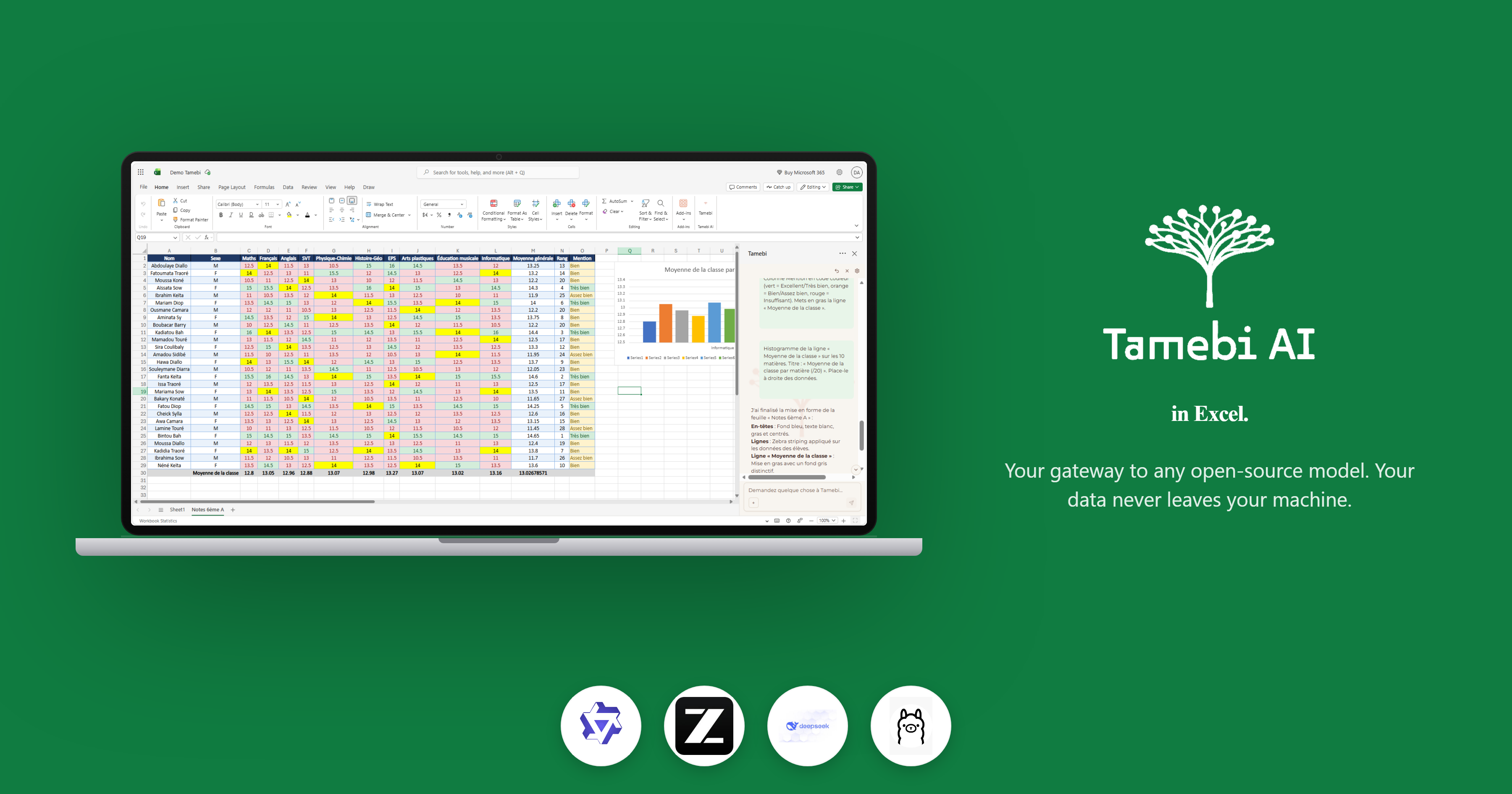
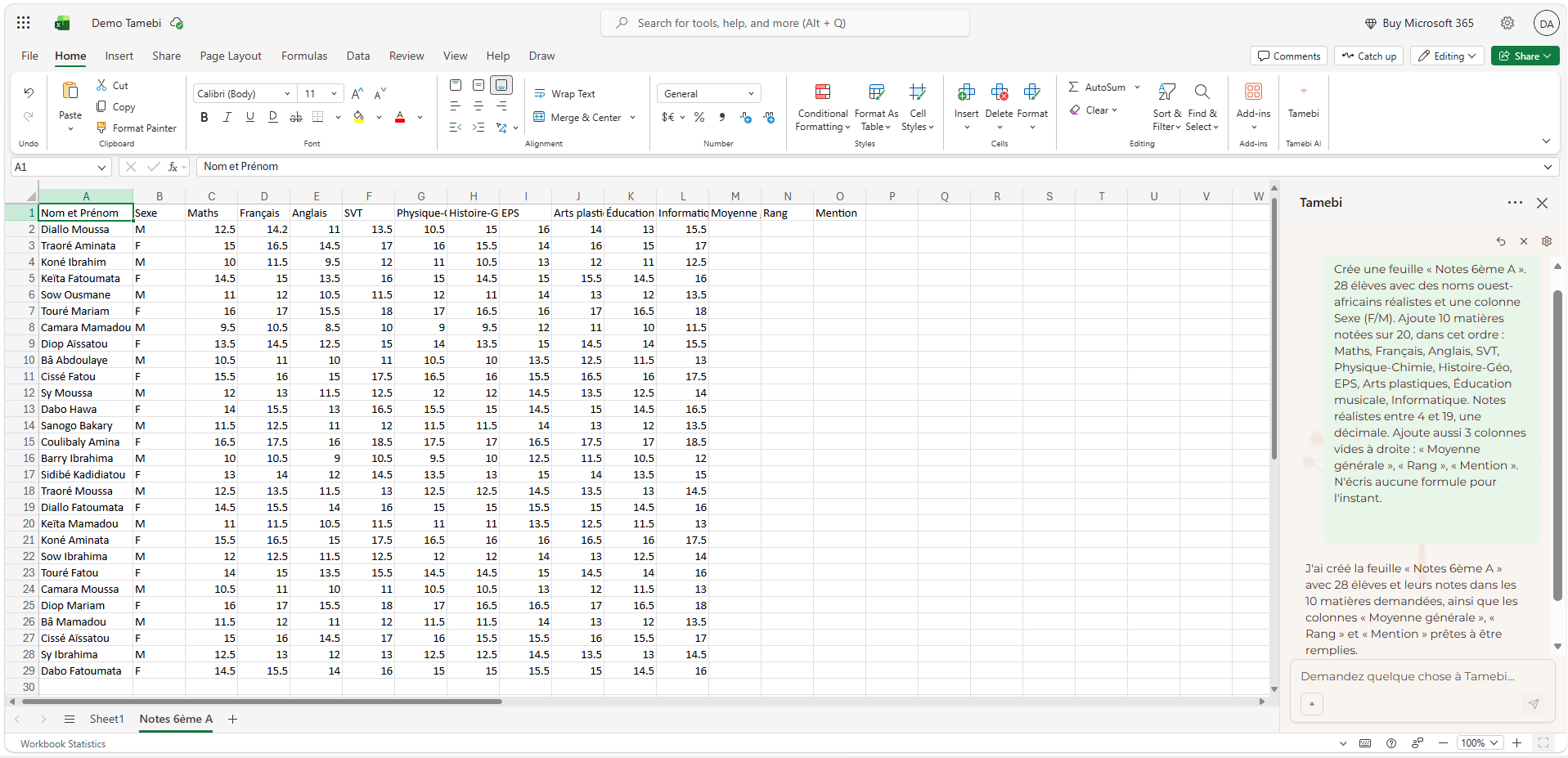
There's a quiet trade-off happening every time someone types a prompt into an AI feature inside Excel.
The output is impressive. The friction is gone. But somewhere between hitting Enter and seeing the answer appear, your data left your laptop. It travelled across the internet to a server you don't own, was read by a model you can't audit, and was logged in a way you'll never fully see.
For a personal to-do list, that's fine. For a finance team's quarterly forecast, a recruiter's candidate database, a hospital's patient export, or a small business's client list, it isn't. It's a leak waiting for an incident report.
Tamebi in Excel is our answer to that.
What is Tamebi in Excel?
Tamebi in Excel is an Excel add-in that brings open-source AI models Qwen, GLM, DeepSeek and others directly into your spreadsheets. Every token of inference happens on your laptop or server. Your files never leave the machine it's already on.
Think of it as the difference between sending your data to "the cloud's AI", and asking an AI that lives inside your computer to do the work right there, in front of you.
There's a gap between wanting to use open-source AI and actually using it. In Excel, that gap is even wider because the people who most need open-source AI (analysts, HR, finance, operations, researchers) are also the people least likely to spin up a local inference server from the command line.
So we put the server inside the add-in, and the models one click away.
The problem we kept hearing.
Before we built this, we kept hearing the same thing, in different words, from very different teams:
"I can't paste this column into a chat it has client names."
"Our security team blocked the AI feature. We need a local option."
"I want to summarize 4,000 survey responses, but I'm not allowed to upload them anywhere."
"I just want to clean this messy text column without sending it to an American server."
These aren't paranoid concerns. They're the day-to-day reality of anyone working with sensitive data in a spreadsheet which, if you really think about it, is almost everyone who works with a spreadsheet.
The current answer from most AI-in-Excel products is some version of "trust us". Ours is simpler: the data doesn't move.
How it works: slash commands or prompts
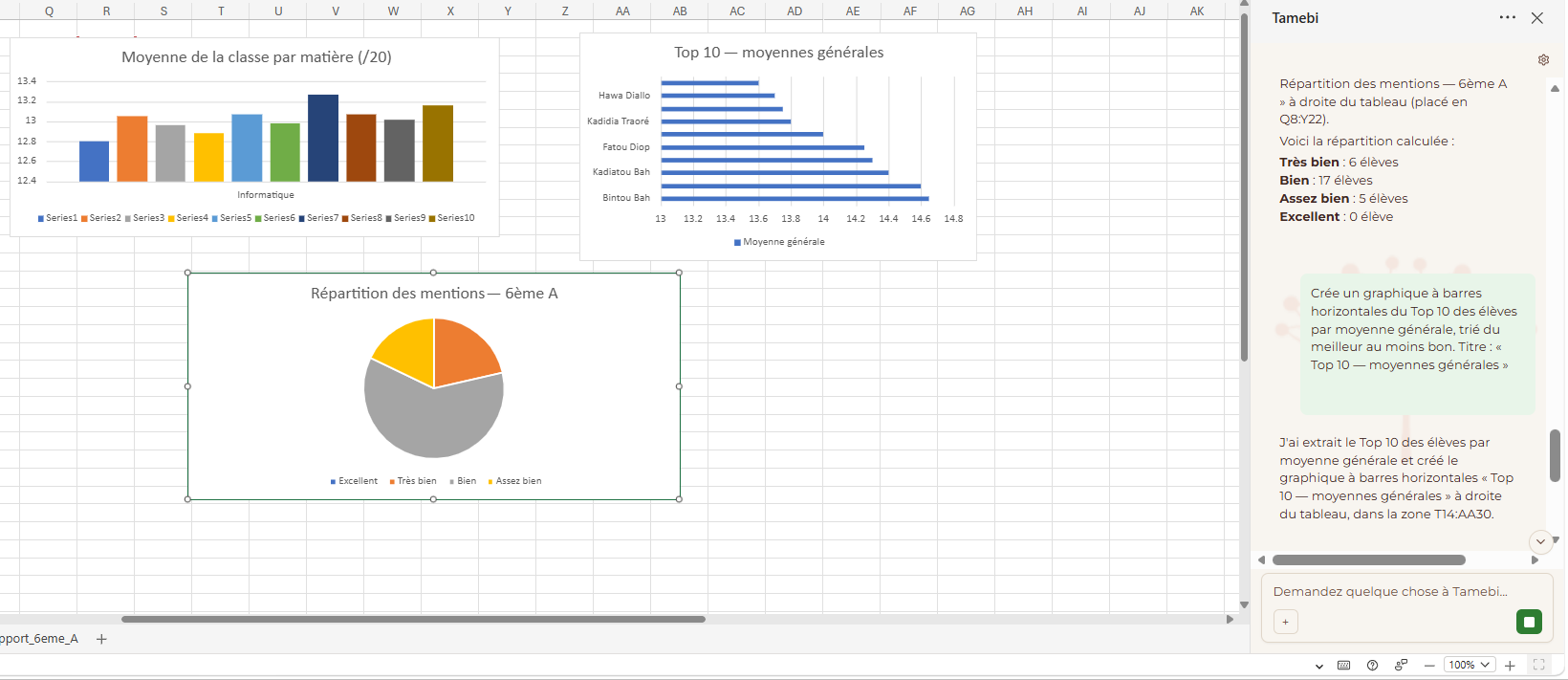
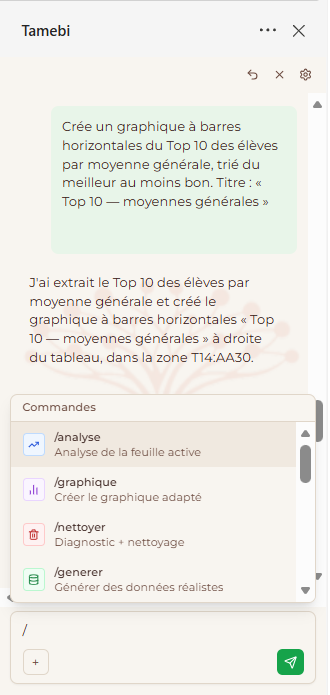
Tamebi in Excel lives in a taskpane, but you mostly drive it the way you already drive a spreadsheet from inside a cell.You type a slash in the chat, point at the data you want it to act on, type your instructions, and the answer appears. A few examples of commands we currently have in Tamebi in Excel:
/analyse: Active Sheet Analysis
/graphique: Create the appropriate chart
/nettoyer: Diagnosis + cleaning
/générer: Generate realistic data
/rapport: Professional report
/tableau: Format in an Excel table
/vba: VBA macro (non-native jobs only)
/formule: Excel formula help
/budget: Business Budget Template
/facture: Professional invoice
/planning: Planning or Gantt
/inventaire: Inventory management
/paie: Payroll table / bulletin
/kpi: KPI Dashboard
The models: Qwen, GLM, DeepSeek and more.
The clear message we want to send is this: Tamebi AI lets you use open-source models (Qwen, GLM, DeepSeek) and others directly in Excel.
That matters for three reasons.
First, choice. Different models are good at different things. Qwen is excellent at multilingual work and structured extraction. GLM is strong on reasoning and instruction-following. DeepSeek punches far above its weight on code, math, and long-context summarisation. Inside the add-in, you pick the model from a dropdown, the way you'd pick a font.
Second, transparency. Open-source models can be inspected, fine-tuned, and audited. You can really know what's running on your machine. That's something no closed cloud model can offer you.
Third, sovereignty. The same models that power our add-in run anywhere. If tomorrow you want to move from your laptop to a private server in your own data centre, the model doesn't change. The vendor lock-in just isn't there.
Local-first, by design
We want to be very precise about this one, because it's the whole point.
When you run a slash command in Tamebi in Excel, the model loads on your machine, reads the cells you pointed it at, generates an answer on your machine, and writes the answer back to your cells. At no point during that flow does your data touch our servers, the model provider's servers, or anyone else's.
That means:
You can use it on a plane with no Wi-Fi.
You can use it inside an air-gapped corporate environment.
You can use it on a spreadsheet your compliance team would never let you paste into a chat window.
You can use it without an account, without a quota, and without a token bill that grows with your curiosity.
If your IT team wants to verify this, they can. The model files are on disk. The traffic is observable. There is no hidden round-trip.
Easy setup: one click, then you're working.
Book your Demo with us at this link https://lab.tamebi.ai/book-demo
Who is it for?
Finance and FP&A teams working with figures that can't leave the company
HR and people-ops teams handling salaries, performance reviews, candidate data
Healthcare, legal, and public-sector analysts bound by data-residency rules
Small businesses who can't afford a per-seat enterprise AI plan
Anyone in a country where cross-border data transfer is a legal grey zone
And honestly: anyone who has ever hesitated before pasting a spreadsheet into a chatbot
What's next?
This is first version (v1). The next releases will add more slash commands, more models, native support for charts and pivot tables, batch operations across whole workbooks, and tighter integration with the rest of the Tamebi ecosystem.
Open-source AI shouldn't stop at the terminal. It belongs everywhere real work happens. And for hundreds of millions of people, real work happens in a spreadsheet.